 Tendroll
Your camera roll, one photo at a time.
Swipe to keep, trash, favorite or file. Free, with no ads and no subscription. Your photos never leave your iPhone.
Coming soon to the App Store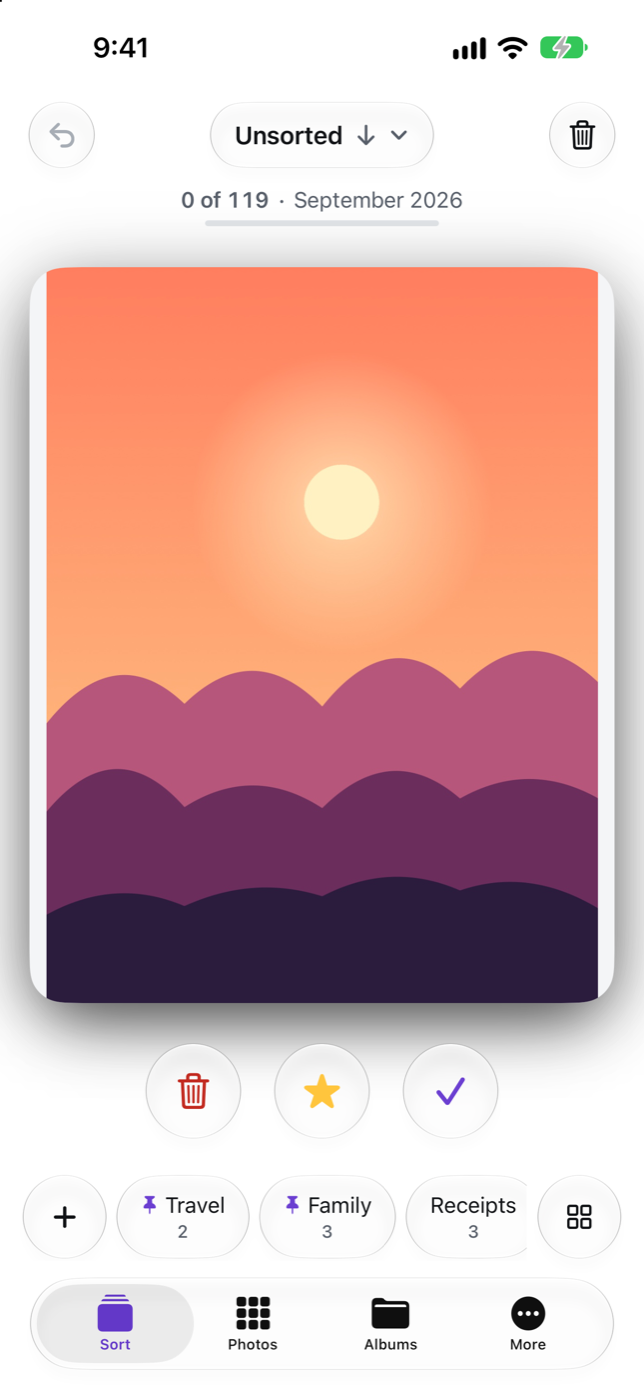
Cleaning photos shouldn't be a fight
Most photo cleaners show an ad every few swipes, or ask for a weekly payment before you can sort older photos.
Some lose your progress when they close, or say photos were deleted when they were not.
How it works
- Allow access to PhotosNo account. Nothing is uploaded.
- SwipeUp to trash, down to favorite, right to keep — or tap an album to file the photo there.
- Empty the trash when you're readyTendroll checks your library and tells you exactly how many photos are gone.
Made for big libraries
Free. No ads. No subscription.
Everything is unlocked, for everyone.
Any order
Newest, oldest or random. Month by month with progress, or only screenshots, videos, Live Photos or selfies.
Deletion you can check
“Deleted 120 of 120.” Changed your mind? Put photos back; iOS also keeps them for 30 days.
Nothing is lost
Every decision is saved the moment you make it. Come back next week and continue where you stopped.
Albums without hunting
Pin the ones you use most, create an album and move the photo in one step, search all of them.
Similar shots and duplicates
Found on your iPhone. Tendroll suggests the best shot; you decide.
Quiet
Videos and Live Photos never play sound while you sort.
Private
No account, no upload, no tracking.
iPad too
Albums beside the photo, and keyboard shortcuts: arrows to decide, 1–9 to file.
Free. Everything included.
No ads, no subscription, no daily limit.
If Tendroll saved you time, you can say thanks — it's optional and unlocks nothing.
Questions
Is it really free? What's the catch?
No catch: no ads, no subscription, no tracking.
Do my photos leave my phone?
No. Tendroll works entirely on your device. There is no account and no server.
Does it delete anything without asking?
No. Photos you swipe up wait in Tendroll's Trash. Deleting asks iOS for confirmation, and iOS keeps them in Recently Deleted for 30 days.
What if the app closes in the middle?
You continue exactly where you stopped.
Does it work with iCloud Photos?
Yes, including photos stored only in iCloud.
Can I give access to only some photos?
Yes. Tendroll then sees only the photos you picked, and you can add more at any time.
Which languages?
English and Russian.